
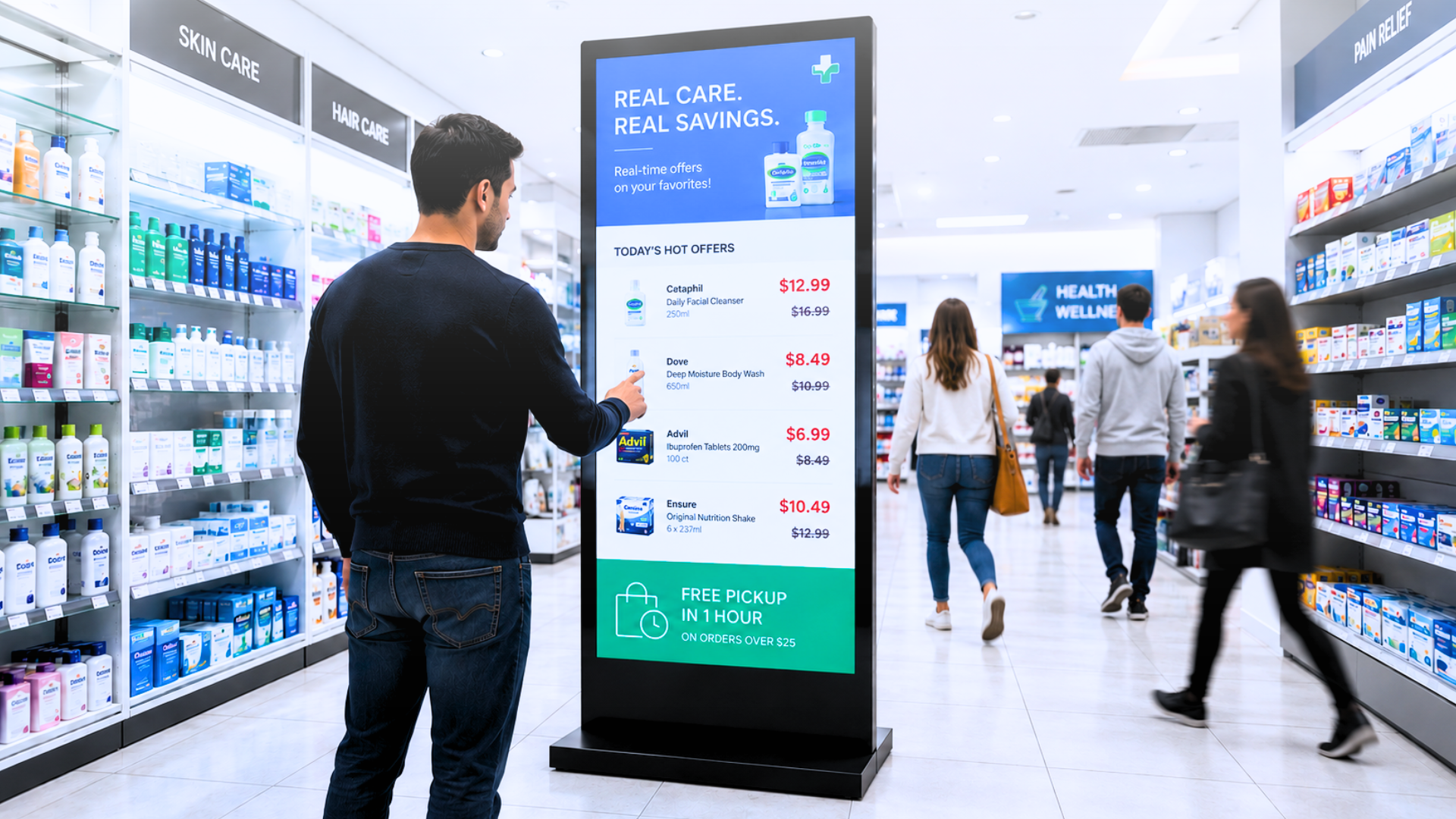
Imagine a retail chain with 120 stores running a promotion every two weeks. Someone exports a spreadsheet, someone else redesigns six templates, and a third person pushes updates store by store. By the time the last screen goes live, the first stores may already have been showing an outdated price for hours. The promotion works. The process doesn't. The gap between what your data says and what your screens show is one of the factors that distinguishes a data-driven digital signage platform from a conventional content-management tool. In 2026, it is an increasingly important consideration for large-scale deployments.
Why Most Digital Signage Evaluations Ask the Wrong Questions
Most buyer guides rank platforms by interface quality, pricing tiers, and hardware compatibility. Those things matter. But they don't tell you what happens at 7 AM on a Monday when your ERP pushes a price update across 80 locations or when a meeting room booking changes two minutes before a client walks in. The real evaluation question is: does the platform manage content, or does it manage the connection between your operational data and your displays? Many digital signage platforms provide scheduling, playlist management, integrations, and tools for distributing content across screen networks. The depth of their data connectivity, automation, conditional logic, and multi-device orchestration varies by platform and subscription level.
For deployments involving live data, multiple sites, or frequently changing operational information, a CMS with limited integration and automation capabilities can create a significant maintenance burden. According to figures attributed by Mood Media to an Arbitron consumer study, digital displays can capture 400% more views than static displays, with 83% of viewers recalling at least one piece of content they saw. However, visibility alone does not guarantee that the displayed information is accurate or effective.
What "Data-Driven Digital Signage" Actually Means
The phrase gets used loosely. In practice, an advanced data-driven platform can extend beyond conventional playlist management in three main ways. First, it can connect to supported operational systems — such as ERP and CRM platforms, spreadsheets, booking calendars, social feeds, and IoT sensors — and use their data to update screen content. When the source data changes, connected content can be refreshed without requiring a new export, redesign, or manual upload. Second, it supports conditional logic and triggers: a queue display shows estimated wait times only when the queue exceeds a set threshold, a meeting room screen switches from "Available" to "In Use" the moment a booking is confirmed, a retail display promotes a product when inventory is above a minimum level and removes it automatically when stock runs low. Third, it coordinates across devices, not just multiple screens, but lights, audio, projectors and sensors in a single orchestrated experience. This is the difference between content management and environment management.
The Integration Layer: What to Evaluate
Integrations are where platform comparisons get revealing. Most vendors list "integrations" in their marketing. The question is what kind.
A widget that pulls an RSS feed is an integration. A bidirectional connector that reads inventory levels from your ERP and adjusts promotional content by SKU, location, and time of day is an entirely different category.
When evaluating digital signage software in 2026, ask each vendor three specific questions:
- Can it connect directly to our ERP or internal database, not just third-party apps?
- Does it support conditional logic without requiring developer involvement?
- Can it manage content independently per location while maintaining central oversight?
For multi-site operators, the answers to all three determine whether the platform reduces operational overhead or simply moves it from print production to screen management.
Livesignage's Business licence is designed specifically for this layer: it includes the full data connector framework, multi-site management, and the no-code logic engine that makes conditional automation accessible to non-technical teams. See full features →
Uptime and Reliability Across Locations
A digital signage network is only as reliable as what appears on screen when it matters. In retail or hospitality, a blank screen during peak hours has a measurable commercial cost.
This is where platform architecture makes a practical difference. Cloud-native platforms with local or edge caching can continue serving previously downloaded content when the connection to the central server is interrupted. Platforms that rely entirely on a live connection may be unable to retrieve new content during an outage. In a network of 200 branch offices running Livesignage with automated content feeds from their operations system, the shift to edge-cached, data-connected displays produced a 98% reduction in unplanned downtime, not because the hardware changed (same screens, same network), but because the platform stopped depending on manual updates that could fail, be forgotten, or arrive late.
Learn how Livesignage handles offline mode →
Hardware Compatibility at Scale
The best digital signage software in 2026 is not "hardware-agnostic" in a vague sense. It is certified on specific devices: tested, supported and updated. Livesignage holds certifications with Samsung, Philips, BrightSign, LG, and Google, with full support for Android and Android TV. For enterprise buyers standardising hardware across locations, a certified integration means predictable behaviour, not best-effort compatibility.
For organisations running a mixed hardware estate, the more important question is how the platform handles device management at scale:
• Can you push a firmware update to 300 screens from a single dashboard?
• Can you segment devices by location, language, or content zone and manage them independently without duplicating effort?
These are operational requirements, not secondary features. A platform that cannot address them effectively may increase the management effort required as the network grows.
When It's Time to Switch Platforms
A platform migration is worth considering when the gap between your screens and your operational reality becomes a recurring cost, in time, accuracy, or credibility. If your team spends significant time manually updating content, if your displays regularly show information that does not match your systems, or if you rely on workarounds to keep content consistent across multiple locations, it may be time to reassess whether the platform still meets your operational needs. The same applies when screens need to become part of a coordinated environment rather than remain isolated display units requiring frequent manual attention. The evaluation process should always include a technical proof of concept with your actual data sources, not just a demo with sample content. Ask to see the platform connect to a spreadsheet or calendar you already use and update a display automatically. That single test reveals more than any feature comparison table.
Frequently Asked Questions
What is the difference between a digital signage CMS and a data-driven digital signage platform? A digital signage CMS manages and schedules pre-built content. A data-driven platform can connect to live operational sources — such as ERP systems, databases, and booking platforms — and generate or update content automatically when the relevant data changes. The key difference is whether humans or systems trigger content updates.
How does digital signage integrate with an ERP system? Integration typically works through APIs or native connectors that read data fields (prices, inventory levels, queue times) from the ERP and map them to display templates. Livesignage is designed to support these integrations through its data connector framework, although the configuration required depends on the ERP system and the specific use case.
Can digital signage work without an internet connection? Platforms with local or edge caching can store previously downloaded content on the device, allowing screens to continue playing available content during many network outages. New live data or content may remain unavailable until the connection is restored.
What hardware is compatible with enterprise digital signage software? Leading platforms support a range of professional displays and media players, including hardware from Samsung, LG, Philips, and BrightSign, as well as selected Android-based devices. Verified certification or compatibility indicates that the software has been tested for specific devices and configurations.
How long does it take to deploy digital signage across multiple locations? Deployment times vary according to the network infrastructure, hardware installation, number of locations, and complexity of the data integrations. A cloud-based platform and preconfigured templates can help shorten the rollout process.
Next Step
If you manage a network of displays and want to see how much of your current manual workload can be automated, book a live demo with a Livesignage specialist and bring your actual data sources. That's where the real conversation starts.