
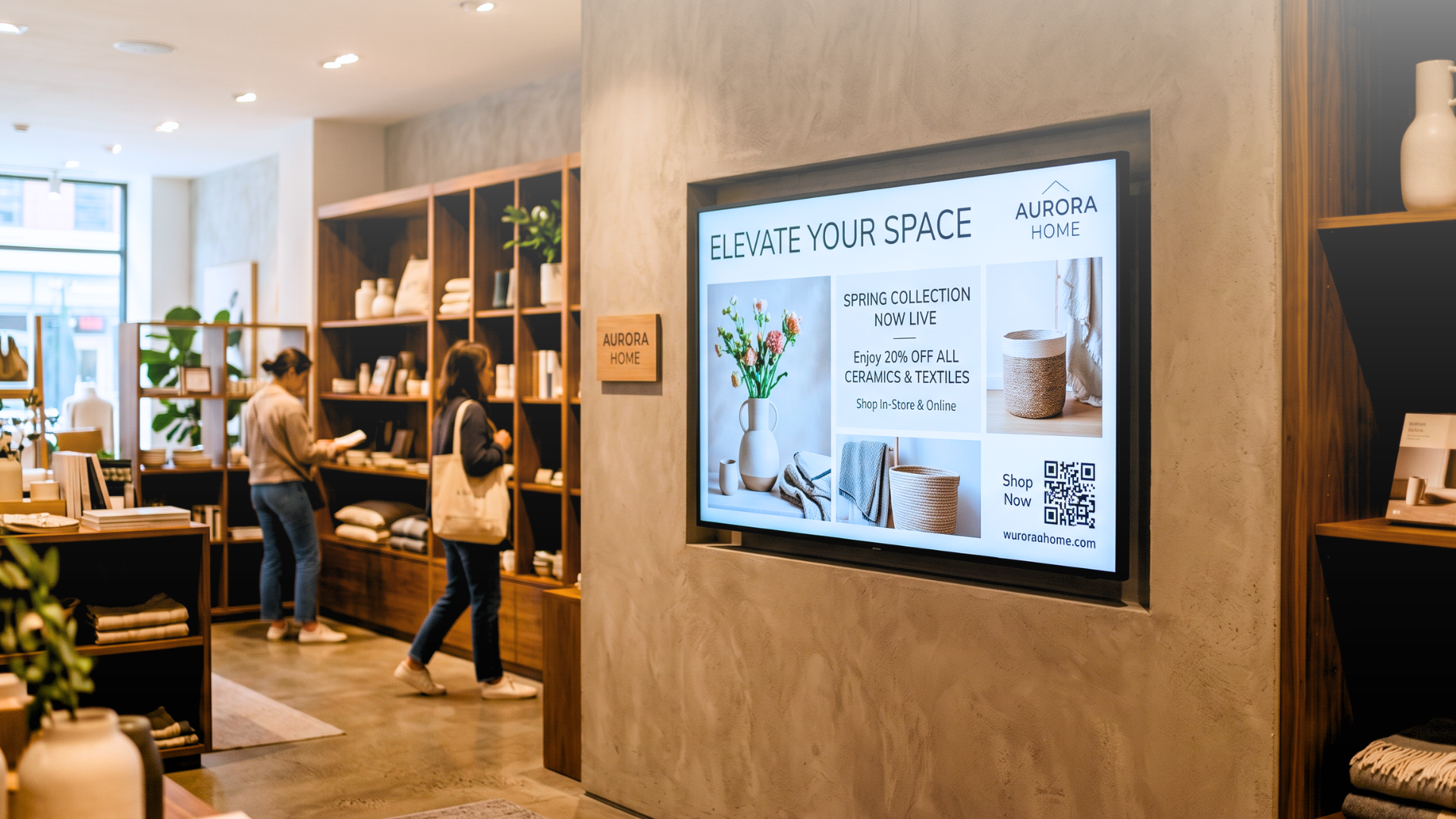
A retail chain with 60 stores switches its promotional campaign every two weeks. The marketing team designs the new content, exports it, uploads it to each screen group, and checks that nothing broke. When a price changes mid-campaign, the process starts again. By the time every display is updated, the promotion has already ended in three locations.
This is what managing digital signage without the right software looks like in practice, and it is far more common than it should be.
What Digital Signage Software Actually Does
Digital signage software is the layer that sits between your content and your screens. It controls what plays, when, on which display, and under what conditions. At its most basic, it lets you upload media files and schedule them. At its most advanced, it can connect to data sources, respond to external triggers, and update content across hundreds of locations without requiring manual file uploads. The confusion often comes from overlapping terms. Digital signage software, digital signage CMS (Content Management System), and screen management platforms are sometimes used interchangeably, but they describe different levels of capability. A CMS that only stores and schedules content is still leaving most of the operational work on your team.
The digital signage software market is growing at roughly 10.5% annually through 2030, faster than the broader hardware market. The reason is straightforward: intelligence is becoming the primary source of value, not the screen itself.
The Features That Separate Functional Software from Scalable Software
Most buyers evaluate digital signage software with the wrong checklist. They ask how many screen licences they need, whether the interface is clean, and whether it supports their current hardware. Those are valid questions — but they come second.
The first question is: where does your content come from, and who updates it?
If the answer is "a designer updates files manually," then every change in your business generates a task. Price updates, stock levels, meeting room bookings, event schedules, queue status — all of it becomes manual work that scales with the number of screens, not with the size of your team.
A scalable digital signage software platform connects to the sources of truth: ERP systems, CRM platforms, spreadsheets, live calendars, social feeds, and sensor data. When the source changes, connected screen content can update automatically, reducing the need for file exports, uploads, and manual review cycles.
Key features to evaluate
• Data integration: Can the software connect directly to your existing systems (ERP, POS, calendar, database) and update screens automatically?
• Multi-site management: Can you manage content across 10, 50, or 200 locations from a single dashboard without duplicating effort?
• User permissions: Can you control who publishes what, at which locations, without opening up full admin access?
• Scheduling and triggers: Can content change based on time of day, day of week, or real-time conditions (weather, footfall, stock level)?
• Device monitoring: Can you see which screens are online, what they are showing, and receive alerts when something goes wrong?
• Template system: Can non-designers update content safely without breaking the visual structure?
Cloud-Based vs On-Premises Digital Signage Software
The architecture of your digital signage software determines how it behaves under real operating conditions: when a location goes offline, when you need to push an emergency update to 200 screens simultaneously, when a new site opens and needs to be provisioned in minutes.
On-premises signage software relies on infrastructure managed by the organisation and generally requires internal IT resources for maintenance and updates.
Cloud-based digital signage software shifts part of that operational burden to the provider. Updates, monitoring, and many troubleshooting activities can be handled remotely through an authorised device.
This is where Livesignage approaches the problem differently. The platform is built around orchestration: not just managing content files, but coordinating data inputs, device states, and multi-channel outputs — including screens, audio, and lighting — from a single environment. This architecture helps keep content aligned with the data sources that drive it.
Why Screen Downtime Costs More Than It Looks
A screen showing an error message, a frozen frame, or yesterday's promotion is not a minor inconvenience. In a retail environment, it erodes trust. In a corporate lobby, it signals poor operations. In a healthcare setting, it creates confusion.
The cost is rarely calculated, but it accumulates.
Across multi-site deployments where Livesignage replaced legacy signage software, the measured reduction in screen downtime reached 98%. That figure comes from a combination of remote diagnostics, automated device health monitoring, and cloud-based recovery, none of which require a technician on-site.
For a network of 50 or more displays, the operational impact is material. Every hour a screen is dark or showing stale content is an hour where your investment in hardware and software produces nothing.
How to Match Digital Signage Software to Your Use Case
There is no universal answer. The right software depends on three variables:
1. The size of your screen network
2. How frequently your content needs to change
3. How complex what you display actually is
Single location, static content, quarterly updates: basic scheduling software may be sufficient, with no need for data integration or multi-user permissions.
Multiple locations, manual updates, growing team: a mid-tier CMS with multi-user permissions and centralised scheduling can reduce duplicated work.
Multi-site, frequent changes tied to operational data: an automated platform that connects directly to data sources can reduce the manual update cycle.
Enterprise network, 50+ screens, real-time data, and mixed channels: a full orchestration platform with API connectivity, remote monitoring, and multi-channel outputs may be the most appropriate option.
Questions to ask before signing any contract
• Can the software connect directly to my data sources, or does content always need to be uploaded manually?
• How are software updates handled, and do I need to install anything on-site?
• What happens to my screens if the internet connection drops?
• Can I monitor device health remotely across all locations?
• What does the onboarding process look like, and is support included?
• How is pricing structured: per screen, per user, or per location?
When the Software Choice Becomes a Strategic Decision
Most organisations choose digital signage software the way they choose a printer: based on price and basic feature parity. The decision gets revisited two years later when the manual workload has grown, the screen network has expanded, and the original platform can no longer keep up. Choosing software that automates content updates, integrates with operational data, and scales without proportional increases in management effort is a different kind of decision. It affects how quickly your team can respond to market changes, how consistently your brand appears across locations, and how much of your IT budget goes toward maintaining infrastructure versus building capability.
The Livesignage Business licence is designed for organisations that have outgrown manual content management and need a platform that connects to their existing systems, scales across sites, and reduces the operational load on both marketing and IT.
Want to see how much of your content cycle can be automated? Book a 20-minute demo with a Livesignage specialist and bring details of your current screen setup. We will show you where manual work could be reduced.
Related reading: How Livesignage integrates with your existing data sources · Livesignage pricing and licences