
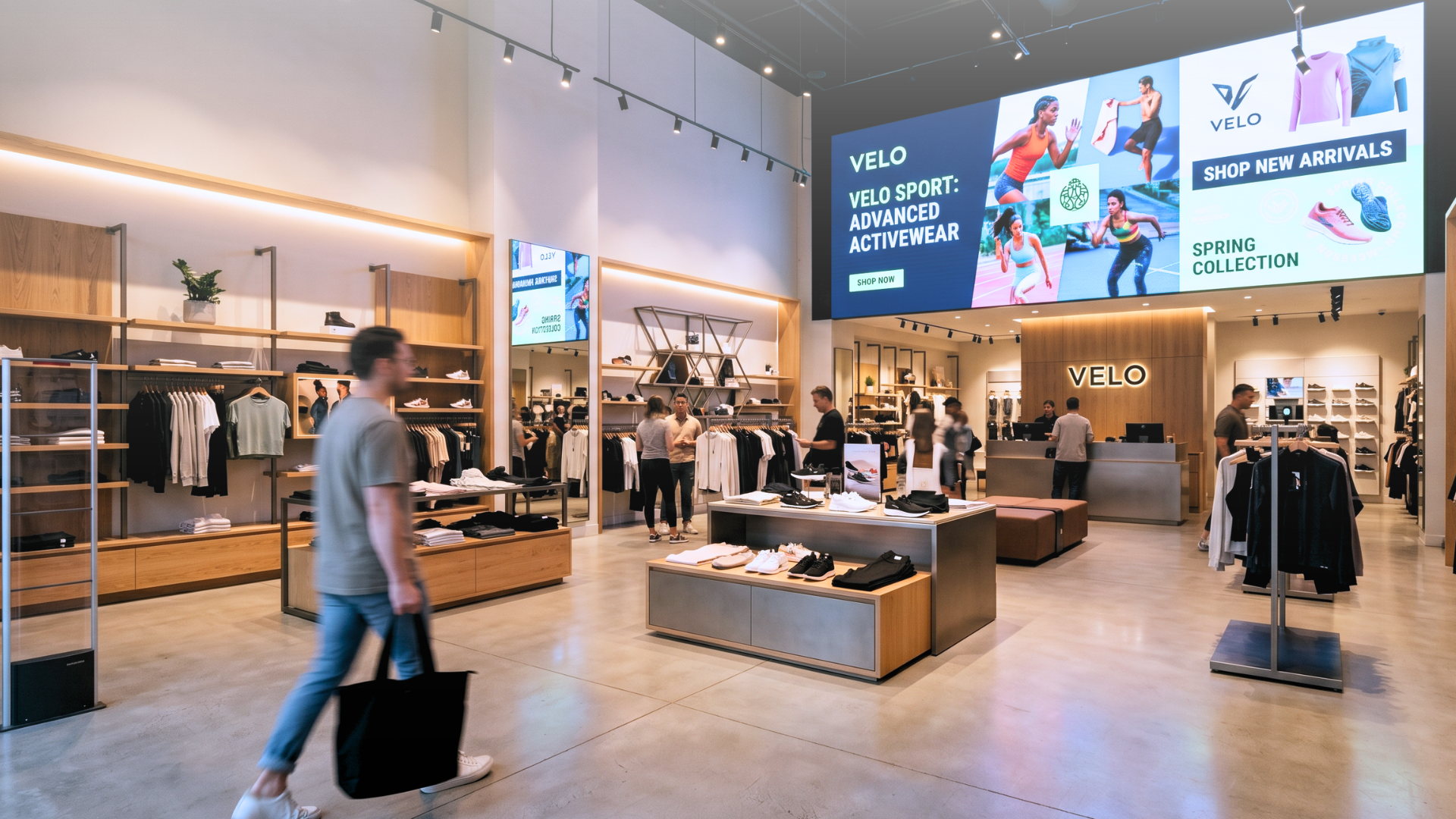
A national athletic wear brand deployed in-store analytics sensors across 150 locations, redesigned its store layout based on customer heatmaps, and recorded a 23% improvement in conversion rates within six months. The screens were not merely decorative elements; they were part of the conversion infrastructure. That gap between screens as decoration and screens as conversion infrastructure is exactly what separates retail digital signage strategies that work in 2026 from those that don't.
Here are seven strategies that retailers can put into practice.
1. Static Content Is an Operational Cost, Not a Strategy
Most retail screens still run on a familiar cycle: a designer creates a layout, someone uploads it to a CMS, it loops for weeks, and when prices or promotions change, the whole process repeats. That cycle has a real cost, not only in design time but also in content accuracy. A promotion that expired yesterday is still on screen today. A product that sold out this morning is still being advertised this afternoon. Digital displays capture 400% more views than static signs in retail environments. That attention is an asset. Wasting it on stale content is a measurable loss, not a minor inconvenience.
The first strategic shift: treat content freshness as an operational requirement, not a design task.
2. Connect Screens Directly to Your Data Sources
The most reliable way to keep retail screens accurate is to remove the human step between data and display. When a screen pulls its content directly from a product database, a pricing spreadsheet, or an inventory system, it updates the moment the source updates. No file transfer. No manual edit. No version mismatch. This matters most in high-frequency environments: grocery, pharmacy, fast fashion, electronics retail. In these categories, prices change daily, promotions rotate weekly, and stock levels shift by the hour.
Livesignage supports direct integration with ERP systems, CRM platforms, spreadsheets, and external data feeds. When a price changes in the source system, every screen showing that price updates automatically, without anyone touching a design file.
Across a network of 40 retail branches, this kind of integration produced a 67% increase in conversions on products featured dynamically at the point of decision, because the right product was shown to the right customer at the right moment, with accurate information.
3. Use Sensor Triggers to Respond to What's Happening in the Store
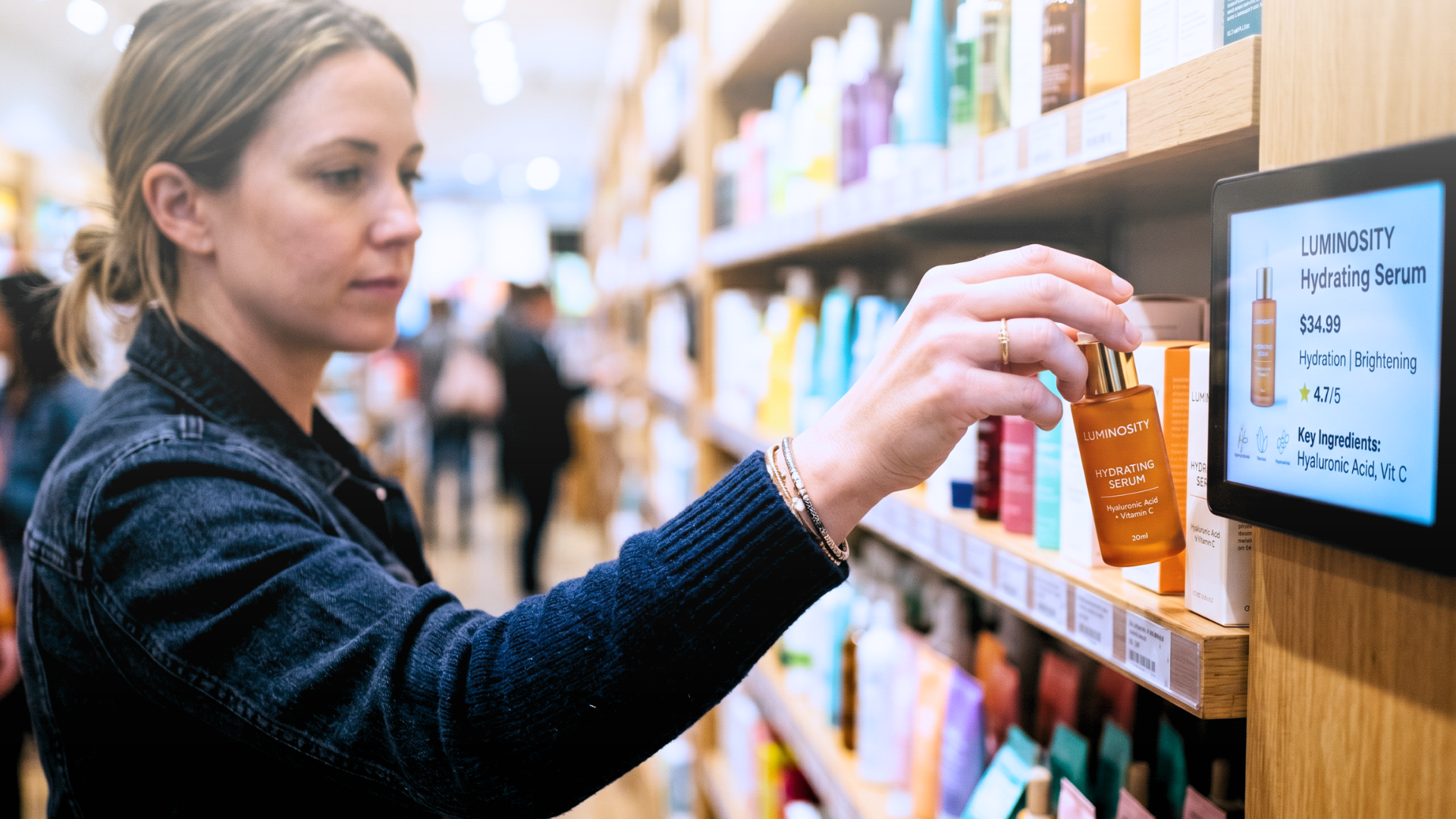
Scheduled content is a baseline. Triggered content is a strategy. The difference is responsiveness: a screen that changes based on what's actually happening in the store (foot traffic, product interaction, time of day, inventory level) behaves more like a trained sales associate than a looping slideshow.
Interactive "Lift and Learn" setups, where RFID sensors detect when a shopper picks up a product and trigger relevant content on a nearby screen, increase dwell time by 30% or more and give retailers data on which products generate the most physical interest. Smart shelves connected to weight sensors can automatically remove sold-out items from digital menus or trigger a promotion when a product is overstocked.
Retailers are increasingly adopting in-store intelligence technologies, including cameras, machine learning, IoT sensors, and computer vision. Connecting these systems to digital displays can extend their operational value.
4. Design Experiences Across Multiple Touchpoints, Not Just One Screen
A single screen at the entrance is a signpost. A coordinated set of screens (entrance, aisle, shelf edge, checkout) is a customer journey. The distinction matters because the message a customer needs at the entrance (brand, promotion, direction) is different from what they need at the shelf (product detail, comparison, availability) and at checkout (upsell, loyalty program, confirmation).
Livesignage's no-code Experience Designer lets retail teams build content flows with triggers and multi-device actions, so when a sensor detects a customer in a specific zone, the nearest screen responds with contextually relevant content, without requiring a developer to configure each interaction.
This is also where Live Billboard, the Livesignage app for dynamic in-store communication, fits into a broader retail strategy: it handles the structured, data-driven content layer (promotions, pricing, product information) while the Experience Designer manages the interactive and triggered layer above it.
Want to see the Experience Designer in action? Book a free demo with a Livesignage specialist and get a walkthrough tailored to your store setup.
5. Localize Content Across a Multi-Site Network Without Multiplying Workload
A retail chain with 50 stores in different cities or different countries faces a version-control problem that grows with every location added. Central marketing wants brand consistency. Local managers want regional promotions, local pricing, or language-specific content.
Without a system that handles both, someone is either doing a lot of manual work or accepting inconsistency.
The answer is a templated content architecture: a central design with locked brand elements and dynamic zones that pull location-specific data automatically.
- Pricing from a regional spreadsheet
- Promotions from a local calendar
- Language from a location tag
The store in Hamburg shows content in German at German prices. The store in Milan shows the same layout in Italian at Italian prices. Neither required a separate design file.
This is standard practice for enterprise retail networks and increasingly expected even at mid-market scale, where teams are small and manual localization simply isn't sustainable.
6. Measure What Screens Are Actually Doing
A screen that runs content is not the same as a screen that converts. The difference is measurement. Computer vision and privacy-conscious audience analytics can provide information such as audience counts, dwell time, and attention estimates. Depending on their configuration, these systems can give retail teams a feedback loop similar to the one used in digital advertising.
Computer vision is increasingly being applied to digital signage to measure audience engagement and verify the performance of promotional content across a network. Retailers who build this measurement layer now will have a structural advantage in optimizing content performance over time — not based on assumptions, but on what the data shows.
7. Where to Start If You're Rebuilding Your Retail Signage Strategy
A common mistake in retail digital signage is treating the screen as the project. The screen is the output. The project is the data architecture, the content logic, and the trigger system behind it. Get those right, and the screen performs. Get them wrong, and you have an expensive looping slideshow.
A practical starting point:
Identify the one place in your store where content accuracy has the greatest commercial impact — usually pricing at the shelf or promotions at the entrance — and connect that content zone to a live data source. Measure the difference in conversion rates over four weeks. The result can provide more relevant evidence than a generic industry benchmark.
Manage a retail network? Book a demo with a Livesignage specialist to see how much of your current content workflow can be automated.