
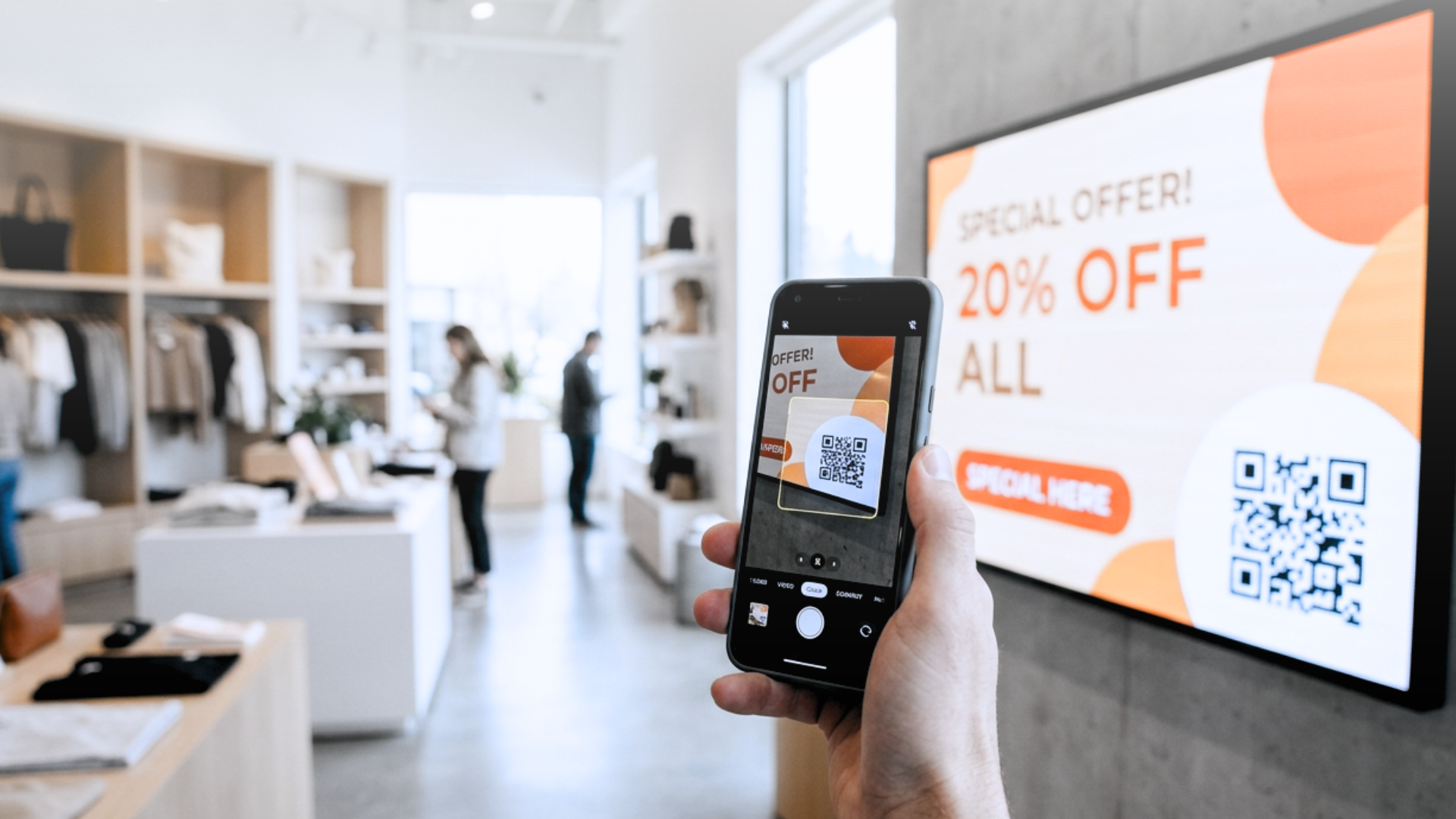
A retail chain runs a promotion on its flagship product. The offer is displayed on screens throughout the store, featuring clear visuals, updated pricing, and a compelling message. Customers look. Some are interested. But there is no obvious next step. No way to save the offer, share it, or act on it before they reach checkout. The screen did its job and stopped short.
Adding a QR code changes what happens next. The screen becomes an entry point, not an endpoint. That shift from passive display to active mobile conversion is what QR code digital signage software is actually about.
What Makes a QR Code on a Screen Different from One on Paper
A QR code printed on a flyer is static. It points to one destination, carries no context, and cannot be updated without reprinting. A QR code on a digital signage display is none of those things.
When QR codes are generated and managed through a digital signage platform, they become dynamic. The destination URL can change without touching the screen. The code can rotate with the content: a different offer in the morning, a loyalty program in the afternoon, an event registration in the evening. The code can also carry metadata: which screen, which location, which time slot. That data flows back into your digital signage analytics.
The difference matters because a QR code on a screen is seen in context. The viewer has just watched content that built intent. The moment they raise their phone, they are already engaged. That is a very different starting point from scanning a code on a shelf label.
How Does QR Code Digital Signage Work?
Getting someone to scan is the easy part. What happens after the scan determines whether the handoff produces a conversion or a dead end. A working mobile handoff depends on three things coming together.
1. Scan-to-load speed. If the mobile page takes more than two or three seconds to load, intent evaporates before the destination even renders. The page a QR code points to has to be lightweight by design: no heavy scripts, no unnecessary redirects, no login wall before the value is visible.
2. Context continuity. The mobile page has to pick up exactly where the screen left off. If the signage showed a specific offer, color, or product, the landing page needs to mirror that same visual, same message, same offer. A generic homepage breaks the thread the screen just built.
3. A frictionless next step. Whatever the mobile page asks the viewer to do (claim an offer, register, book) has to require the fewest possible taps. Pre-filled fields, one-click actions, and no forced account creation are what turn a scan into a completed action instead of an abandoned tab.
None of this is new in digital marketing. What changes with interactive digital signage is that the screen has already done the persuasion work. The mobile page does not need to sell; it needs to close.
How Livesignage Handles the QR-to-Mobile Flow
Livesignage includes a dedicated Add-on Mobile module that manages the full QR-to-mobile conversion path from inside the platform. Content designers can embed dynamic QR codes directly in any layout using the no-code Experience Designer. The code updates automatically when the linked content changes — no manual regeneration and no separate dynamic QR code generator to manage. Each code is tied to a content zone and a schedule. A screen in a hotel lobby can show a check-in offer QR in the morning, a restaurant reservation link at midday, and a spa promotion in the evening, all managed through the same content calendar that drives the display itself. The mobile destination updates in sync.
The platform also captures scan events as platform data: which screen generated the scan, at what time, linked to which campaign. That information feeds the reporting layer, so marketing teams can see which locations and which content slots drive the most mobile engagement and adjust accordingly. This kind of signage engagement tracking is what turns digital signage from a display tool into a measurable marketing channel.
Across a network of 40 retail locations, integrating QR-driven mobile offers with the store's loyalty CRM produced a 67% increase in conversions on products featured on the displays. The mechanism was simple: the QR code linked the offer to the loyalty app and pre-populated the checkout for authenticated customers, removing the step that most customers abandoned.
Benefits of QR Code Signage Beyond the Single Scan
QR code digital signage works best when it is part of a deliberate phygital marketing strategy, not a feature bolted onto existing content. Phygital experience design, blending physical displays with digital, personalized follow-through, is what separates a novelty scan from a repeatable conversion channel.
The most effective deployments treat the screen and the mobile destination as a single communication unit. The screen handles awareness, context, and timing. The mobile layer handles personalization, action, and follow-through. Designing them separately produces friction. Designing them together produces conversion.
This applies across sectors:
🛍️ Retail: a QR code on a promotional display links directly to a loyalty app or pre-filled checkout, cutting the steps between interest and purchase.
💼 Corporate environments: a QR code on a meeting room display lets visitors confirm attendance or access session materials without touching a shared device.
🏥 Healthcare: a code on a waiting-area information screen can open a symptom checker or an appointment rescheduling tool.
⛑️ Manufacturing: a QR on an operations dashboard can link floor workers to a procedure update or a safety checklist on their own device.
The common thread: the screen creates the moment, and the mobile layer captures it.
When to Add QR Codes to an Existing Signage Network
If you already run a signage network, adding QR-to-mobile capability does not require replacing hardware or rebuilding content. The real question is whether your current digital signage software can manage dynamic codes natively, or whether you are generating static codes externally and embedding them as images.
Static codes embedded as images are a maintenance liability. Every time a destination changes, someone must regenerate the code, export it, upload it, and verify it across every screen that carries it. On a network of any meaningful size, that process introduces errors and delays. The offer on screen and the destination the code points to can fall out of sync, exactly the kind of experience that erodes trust.
A platform that manages QR codes as live, data-connected elements eliminates that problem. The code is always current because it is generated from the same source as the content it accompanies.
Where to Start if You Manage Multiple Locations
If you run displays across multiple sites (retail, hospitality, corporate, or any mixed-use environment), the first step is auditing how much mobile conversion potential your screens currently leave unused. Count the content slots where a viewer could reasonably take a next step on their phone, and estimate how many of those slots currently offer no path to do so.
That gap is the business case. The conversion uplift from closing it depends on the sector and the quality of the mobile experience, but the mechanism is straightforward: screens that already have audience attention are not translating that attention into measurable action.
Frequently Asked Questions
What is QR code digital signage? It's the use of dynamic, data-connected QR codes on digital displays that link viewers to a mobile experience (an offer, a form, a booking page) tied to the content shown on screen at that moment.
How is a digital signage QR code different from a printed one? A printed QR code points to one fixed destination. A QR code managed through a signage platform can update its destination automatically, rotate with scheduled content, and report scan data back to analytics, without anyone touching the screen or reprinting anything.
What results can QR-to-mobile signage deliver? Results vary by sector and execution quality, but as an example, one 40-location retail network saw a 67% increase in conversions on featured products after linking QR-driven mobile offers to its loyalty CRM.
Do I need new hardware to add QR codes to my signage? No. If your displays already run on a signage platform, adding dynamic QR functionality is typically a software-level change; the question is whether that platform supports dynamic codes natively.
If you want to see how the Livesignage Add-on Mobile module works in a network like yours, you can book a demo with a Livesignage specialist and walk through a live configuration.